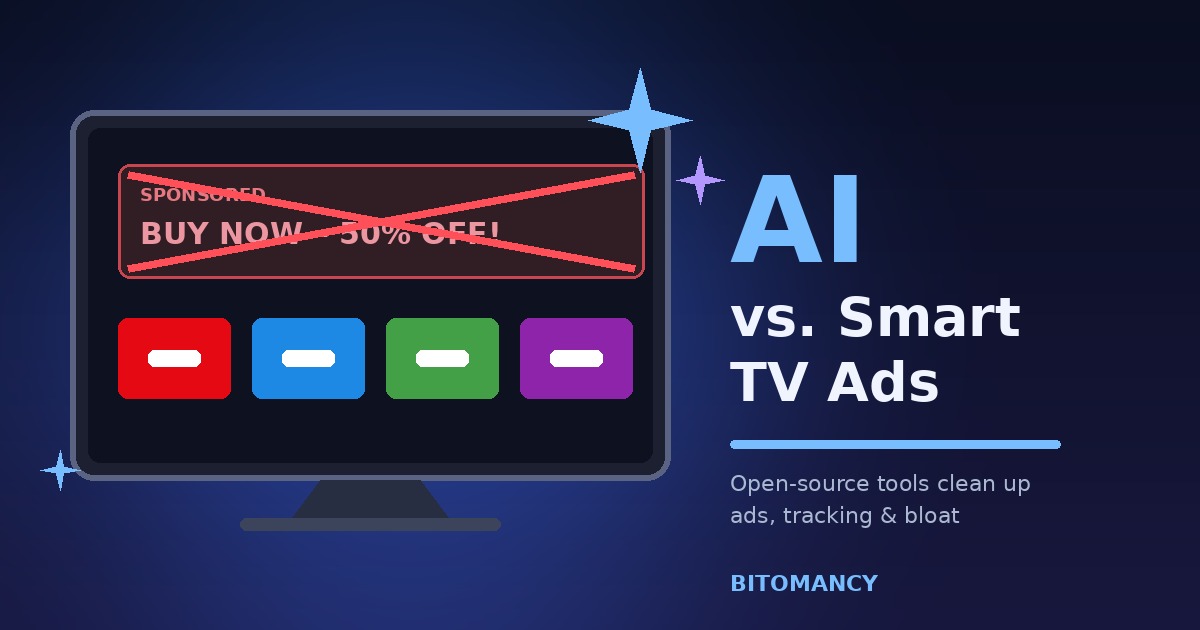
Most of us bought a smart TV expecting a screen that plays Netflix, YouTube and whatever else we like. What many of us got was a screen that greets us with a sponsored banner before we reach our own apps. The home page feels more like a billboard than a menu, and the remote seems to take a second too long to respond.
This month, a handful of developers decided they had put up with it long enough. Instead of hunting through forums for the right settings, they handed the job to an AI coding agent and told it to clean up the mess. The idea spread quickly across social media and tech news, and it raises some interesting questions about who really controls the device sitting in your living room.
Why Smart TVs Are Full of Ads in the First Place
The short answer is money. Large, high-quality televisions have become remarkably cheap, and the hardware margin is thin. According to privacy company AdGuard, ads help manufacturers offset their costs, which lets them sell a set for close to what it costs to build, or sometimes even less. In other words, the cheap price on the shelf is partly paid for later, by you, through the screen you look at every evening.
There is a second layer to this. Many TVs use a technology called ACR, short for Automatic Content Recognition, to work out what is playing on screen. AdGuard explains that smart TVs can gather details about what you watch, how often and for how long, and then share that information with advertisers so the ads can be targeted. Add the device’s IP address and a rough guess at your location, and the TV becomes a surprisingly detailed little data collector.
So when people say they want to “strip the ads” off their TV, they usually mean two things at once: the visible clutter on the home screen, and the invisible tracking running underneath it.
What Developers Are Actually Doing
According to TechCrunch, a number of developers and so-called vibe coders have started sharing ways to “vibe-code” their televisions. The goals include removing sponsored tiles, speeding up the launcher, redesigning the home screen and switching off tracking features. Two open-source projects, dumbtv and cleanyourtv, have become the most talked-about examples.
dumbtv: a TV that only does what you ask
The dumbtv project was announced publicly on October 18, 2026 by a developer who goes by Muzzammil. Its stated goal is simple: a television that offers only your own apps and HDMI inputs, with no ads from the TV itself, no tracking of what you watch and no updates you did not ask for. To use it, you point your preferred AI agent at the project’s GitHub repository and let the agent follow the instructions there.
The work is done from another computer over ADB, the Android Debug Bridge, which is a standard developer tool for talking to Android-based devices. Reporting from Gadget Review says dumbtv aims at Fire TV as well as Android TV and Google TV, and that supported hardware includes sets from Sony, TCL, Philips, Hisense and Xiaomi, along with Nvidia Shield devices.
cleanyourtv: the “I fixed my parents’ TV” story
The second project has a more personal origin. Its creator, who goes by Gathin T., got tired of seeing a sponsored ad on his parents’ television before they could even open Netflix. One afternoon he asked Claude Code, Anthropic’s AI coding agent, to deal with it. The cleanup worked well enough that he shared it, and the result became cleanyourtv.
It connects to an Android TV or Google TV over Wi-Fi and lets the AI agent remove unnecessary software. It can also swap the stock launcher for one that looks a lot like Apple TV. The project is published under the MIT license, so anyone can use and modify it. A report on the DEV Community says one user removed 25 apps from a Xiaomi TV and replaced the main menu in the process.
How the AI Part Works
It is worth being clear about what the AI is and is not doing here. It is not magically recognizing advertisements on screen. Nothing is analyzing video frames. The agent is simply acting like a patient, well-read technician.
It looks at the list of apps and services installed on your TV, works out which ones belong to the manufacturer’s advertising and telemetry systems, and switches those off. It then checks the result, often by pulling screenshots from the TV to see whether the home screen changed. That detective work is the part that used to take a lot of time, because every brand names its packages differently and the same brand changes them from model to model.
The better projects build in caution. The cleanyourtv instructions tell the agent to back up the package list first, create a restore script, and disable the manufacturer’s telemetry and ad services rather than permanently uninstalling them. One detailed guide also limits the agent to a small batch of packages at a time, so a single wrong choice is easy to trace and reverse. That disable, log and restore routine is what makes the approach reasonable instead of reckless.
Smart Copy PRO
Turn copied text into summaries, professional emails and LinkedIn-ready content in seconds.
Get Smart Copy PRO →The Risks Nobody Should Skip Over
Handing system-level access on a device to an AI agent is not a risk-free move, and the people writing about this trend say so themselves. Gadget Review points out that while AI lowers the barrier to modifying a device, it can also lead to a bricked TV if the agent misidentifies firmware or a package that other things depend on. This is not just a theory. The DEV Community write-up mentions at least one user whose TV stopped working entirely, and another who got stuck partway through changing settings on a Fire TV.
There are a few other things worth keeping in mind before you try anything like this:
- Compatibility is uneven. Some reports say these methods have been tested on a wide range of brands, yet the cleanyourtv prompt itself states that Samsung’s Tizen, LG’s webOS and Fire TV are not supported. When the sources disagree, trust the project’s own documentation and assume your specific model may behave differently.
- Warranty and support. Changing software that the manufacturer shipped could affect your warranty or support options. Check your brand’s terms first.
- Updates can undo the work. A future system update may bring back apps or services you disabled, so you might need to repeat the process.
- You are trusting a prompt file. The instructions you give your AI agent are written by strangers. Read them before you run them, the same way you would read any script.
What This Will Not Remove
This is the part that disappoints some people. These tools clean up the ads that belong to the TV itself: sponsored tiles, promotional apps and tracking services baked into the manufacturer’s software. They do not touch the commercials inside the streaming apps you use. As AdGuard notes, services such as Netflix and Disney+ have joined the ad-supported trend, and their ads play inside their own players. A debloated TV will not skip those.
If your complaint is about ads in streaming apps, the options are different: pay for an ad-free tier, use a service that has no ads, or accept the trade-off on free services like Tubi or Pluto.
Safer Alternatives If You Do Not Want to Use AI
You do not need an AI agent to make your TV less annoying. A few lower-risk steps go a long way:
- Turn off personalized ads and ACR. On many sets this is a privacy or terms-and-conditions toggle buried deep in settings. If you use Google TV, you can also switch off personalized ads in your Google account.
- Change your DNS server. AdGuard says most popular TV brands let you set a custom DNS under network settings, and there are plenty of ready-made ad-blocking DNS servers that filter known ad domains.
- Block domains at the router. If your TV does not allow DNS changes, you can block ad domains for the whole house through your router.
- Try a different launcher. Apps such as ATV Launcher, Projectivity Launcher and FLauncher replace the cluttered home screen without any AI involved.
- Use an external streaming box. Plugging in a separate device and leaving the TV’s own system untouched is the cleanest solution of all.
Could This Change the Smart TV Business?
TechCrunch suggests that if these “dumb TV” hacks catch on with ordinary buyers, they could shake up the smart TV advertising industry, which earns money from selling viewing data or from showing personalized ads on its own interfaces. That is a big “if.” Today the process still needs a computer, some patience and a tolerance for risk. Most people will never open a command line.
Still, the direction is clear. AI is making it far easier for non-experts to change software they were never meant to touch. Manufacturers may respond by locking devices down further, by offering cleaner options, or by doing both depending on the brand. Whichever way it goes, buyers who care about privacy now have a stronger bargaining chip: a growing awareness that the screen they paid for should work for them.
Key Takeaways
- Developers are using AI coding agents, including Claude Code, to disable ads, trackers and bloat on Android TV and Google TV sets.
- Open-source projects like dumbtv and cleanyourtv guide the agent step by step and work through ADB without rooting the TV.
- The safest versions back up the app list, disable instead of delete, and work in small batches.
- Risks are real: bricked devices, voided warranties and updates that bring ads back.
- These tools do not remove ads inside streaming apps, and they do not support every brand.
- DNS blocking, router filtering and alternative launchers are lower-risk ways to get similar results.
Frequently Asked Questions
Can AI really remove ads from a smart TV?
Yes, with limits. AI can remove or disable the ads that come from the TV itself, such as sponsored home-screen tiles and promotional apps, on Android TV and Google TV. It cannot remove the commercials a streaming app plays inside its own video player.
Do I need to root my TV?
No. The community tools covered here work through Android Debug Bridge, a standard developer connection, so rooting is not required.
Is it safe to let an AI agent change my TV settings?
It can be reasonably safe when the agent backs everything up, disables packages rather than deleting them and works in small batches. Mistakes are still possible, and at least one user reported a TV that stopped working, so proceed carefully and read the instructions first.
Will this work on Samsung or LG TVs?
Not reliably. These projects target Android TV, Google TV and Fire TV. Samsung’s Tizen and LG’s webOS are different systems, and one project says plainly that it does not support them.
What is the easiest way to reduce smart TV ads without AI?
Turn off personalized ads and ACR in your settings, then set an ad-blocking DNS server on the TV or your router. It takes a few minutes and does not change any system files.
Conclusion
The smart TV ad problem has been around for years, and most people simply learned to ignore it. What is new is how little effort it now takes for a curious person to fight back. An afternoon, an AI agent and a careful set of instructions were enough for one developer to turn his parents’ cluttered television into a clean, quiet screen.
That does not mean everyone should rush to do the same. The tools are young, the risks are genuine and the safest fixes are often the simplest ones. But as a sign of where consumer technology is heading, it is hard to miss: people are no longer willing to accept that the device they own should be quietly working for someone else.
Explore More on BITOMANCY
Want more practical AI and technology guides? Visit the BITOMANCY homepage for more articles on artificial intelligence, automation, SEO and emerging technology.