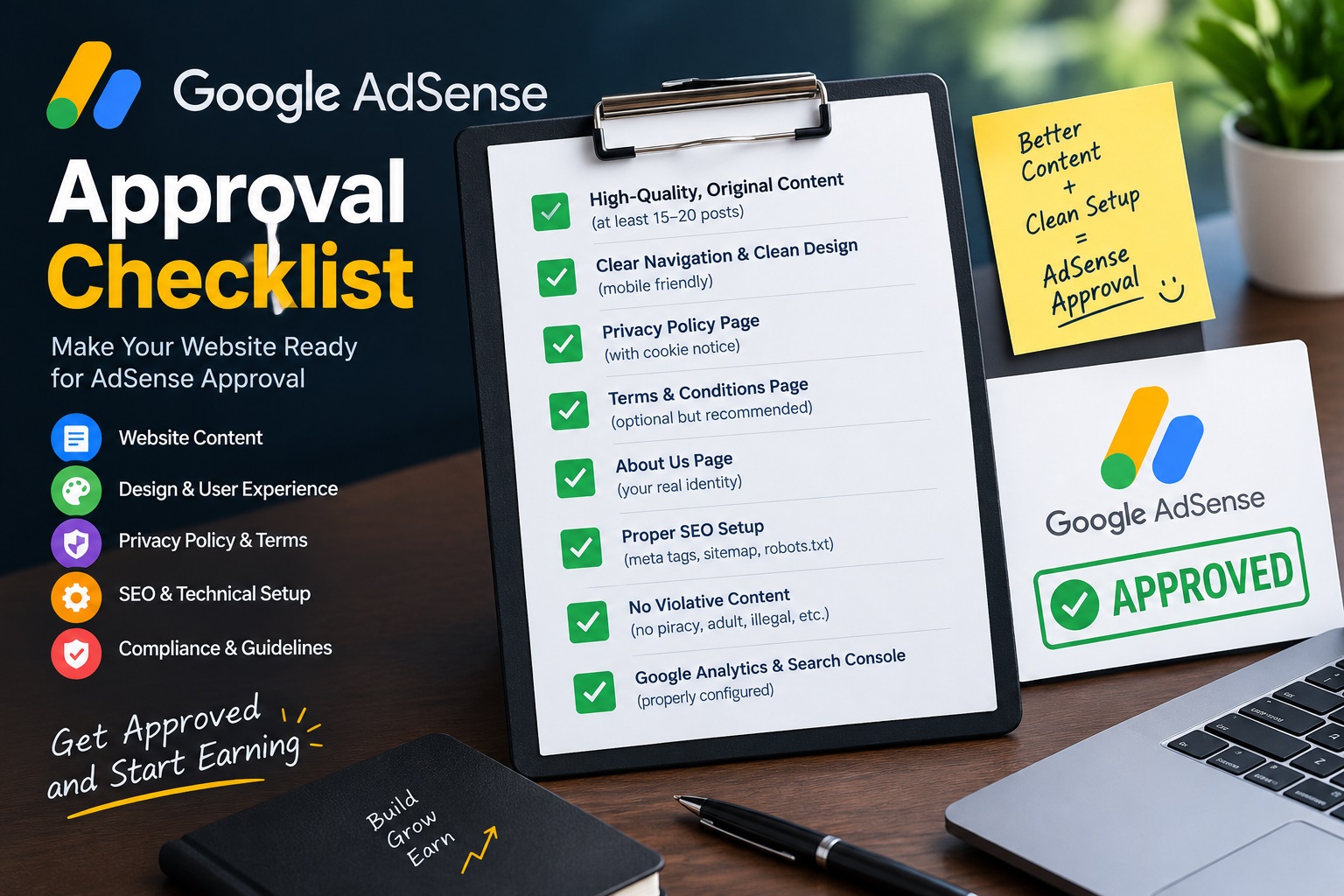
Getting Google AdSense approval is less about tricks and more about proving that your site is a useful, trustworthy publication. Most rejections come from the same handful of problems, and nearly all of them can be fixed before you apply.
This checklist walks through those problems in the order you should fix them, from content quality to technical health to the review itself.
In This Guide
- 1. What Google actually checks
- 2. Publish content that deserves to be read
- 3. Add the trust pages
- 4. Fix the technical basics
- 5. Get your pages crawled and indexed
- 6. Avoid policy problems
- 7. Apply and wait properly
- Common rejection reasons and fixes
1. Understand What Google Is Actually Checking
Google reviews whether your site offers original value to visitors, is easy to navigate, and follows the AdSense Program Policies. Approval is a quality judgment, not a simple traffic threshold.
Requirements can change, so read the current AdSense eligibility and policy pages on Google's help center before you apply. Treat this article as a practical guide and Google's own documentation as the final word.
2. Publish Content That Deserves to Be Read
- Build a real library first. Aim for 15 to 25 well-researched articles before applying. This is a practical benchmark, not an official rule.
- Answer one clear question per article, and answer it better than the pages already ranking.
- Add something original. Use your own examples, screenshots, tested steps or data. Original material is what separates a useful post from a rewritten one.
- Avoid thin or auto-generated filler. AI can help you draft, but every post needs human review, fact-checking and a real point of view.
Not sure what to publish? Start with topics you can genuinely explain, such as AI agents or the step-by-step AI workflow approach, and go deeper than a generic overview.
3. Add the Trust Pages
Your site should clearly include these pages, linked from the footer on every page:
- About
- Contact
- Privacy Policy
- Terms
- Disclaimer
- Affiliate Disclosure, if you use affiliate links
These pages show visitors, and reviewers, who runs the site and how it handles data and monetization.
4. Fix the Technical Basics
- HTTPS everywhere on your own custom domain. See our guide to launching a fast website on a custom domain.
- Mobile-friendly, fast pages. Compress images and keep scripts light.
- A working
sitemap.xmlandrobots.txtthat does not block important pages. - No broken links, empty categories or placeholder text such as "lorem ipsum" or "example article".
- Clear navigation, so a reviewer can reach every section within two clicks.
Smart Copy PRO
Turn copied text into summaries, professional emails and LinkedIn-ready content in seconds.
Get Smart Copy PRO →5. Get Your Pages Crawled and Indexed
Submit your sitemap in Google Search Console and confirm that your pages appear in the index. If Google cannot find your content, it cannot review it properly. Our SEO system guide explains how to set up keyword research, technical SEO and performance tracking so your pages get discovered.
6. Avoid Policy Problems Before You Apply
- No copied or scraped content
- No misleading navigation or clickbait headlines
- No content in restricted or prohibited categories
- Never click your own ads, and never ask others to
- Keep ad placement clean so ads never push your content out of view
7. Apply, Then Wait Properly
Connect your site in AdSense and add the provided code to the <head> of your pages. Review can take from a few days to a few weeks.
While you wait, keep publishing normally, but do not redesign the whole site or reapply repeatedly. Frequent changes and repeated applications do not speed things up.
Common Rejection Reasons and Fixes
| Message | What it usually means | Fix |
|---|---|---|
| Low value content | Thin, repetitive or unoriginal posts | Rewrite with original insight and depth |
| Site down or not working | Crawl or hosting problems | Check uptime, robots.txt and HTTPS |
| Navigation issues | Site is hard to browse | Add clear menus, categories and internal links |
| Policy violation | Restricted content or prohibited behavior | Review the policy list and remove the issue |
Key Takeaways
- AdSense approval is a quality and trust review, not a traffic test.
- Publish 15 to 25 original, helpful articles before you apply.
- Have About, Contact, Privacy, Terms and Disclaimer pages live and linked.
- Fix HTTPS, speed, sitemap and navigation issues first.
- Check Google's current policies yourself, because requirements can change.
Frequently Asked Questions
How many posts do I need for AdSense approval?
Google does not publish an official number. Quality matters more than count. A practical target for a new site is 15 to 25 well-researched, original articles.
Do I need traffic before applying?
Google does not publish a minimum traffic requirement. Some real visitors help you judge whether your content is useful, but approval is decided mainly on content quality, site experience and policy compliance.
Can I use AI-written articles?
Your content must be helpful, original and accurate regardless of how it was drafted. If you use AI, edit it heavily, fact-check it and add your own experience, examples and insight.
Do I need a custom domain?
A custom domain is strongly recommended. It signals a serious, long-term publication and gives you full control over your site.
How long does approval take?
Reviews can take from a few days to a few weeks. Avoid major site changes and repeated applications while the review is in progress.
Conclusion
Treat AdSense approval as a by-product of building a real publication. Fix your content, trust pages and technical health first, then apply with confidence. If you are rejected, read the message carefully, fix the specific issue and reapply once the site is genuinely better.
Explore More on BITOMANCY
Want more practical AI and technology guides? Visit the BITOMANCY homepage for more articles on artificial intelligence, automation, SEO and emerging technology.